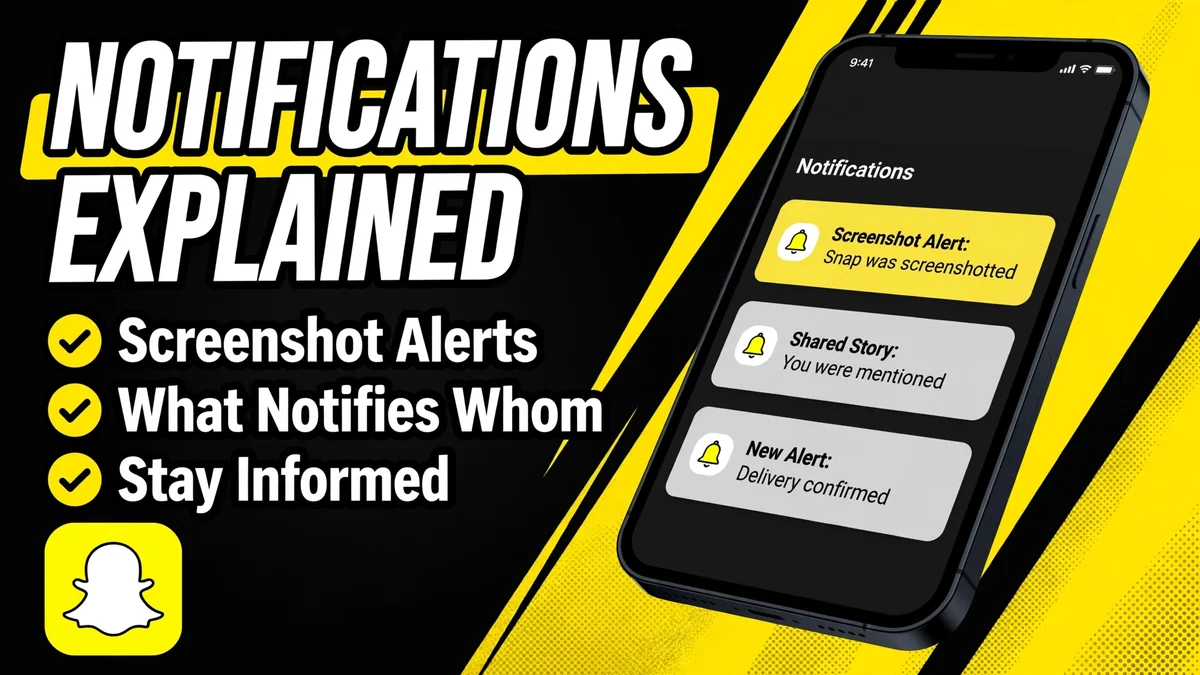
Snapchat story notifications are the reason most people look for anonymous viewers in the first place. Snapchat tells story owners a surprising amount: who watched, who replayed, and who took a screenshot. This guide explains every story-related notification, what triggers each one, and which ones anonymous viewing sidesteps.
The Viewer List Notification
The most basic 'notification' is not a push alert at all: it is the viewer list itself. When you watch someone's story while logged in, your username is added to the list the poster sees when they swipe up. There is no separate ping; the poster discovers your view whenever they check. This is covered in depth in our guide to how the Snapchat viewer list works. The key point: any logged-in view is recorded, silently but permanently for the story's lifetime.
Screenshot and Screen Recording Alerts
Snapchat famously notifies the poster when you screenshot or screen-record their story inside the app. The poster sees a small icon next to your name on the viewer list indicating a capture. This applies to stories, chats, and snaps. It does not apply when you view or save content through a web browser tool, because you are not interacting with Snapchat at all: there is no app session to detect a capture from.
Replay Indicators
If you watch a story segment more than once, Snapchat may show the poster a replay indicator next to your name. Like the viewer list itself, this is only visible to the poster and only while the story is live. It is another quiet signal that logged-in viewing leaves behind, and another reason people prefer methods where their account is never involved.
Story Posting Alerts for Followers
On the other side, Snapchat can notify you when accounts you follow post new stories, depending on your notification settings. Creators with large followings rely on this to drive views. These alerts are controlled in your phone's Snapchat notification settings and are unrelated to viewer privacy; they tell you about new content, not about who watched yours.
Which Notifications Anonymous Viewing Avoids
| Notification type | Logged-in viewing | Web viewer |
|---|---|---|
| Viewer list entry | Yes, your name appears | No, server fetches instead |
| Screenshot alert | Yes, if captured in app | No app interaction |
| Replay indicator | Yes, on repeat views | Not applicable |
| Story posting alerts | Your own settings | Not applicable |
The pattern is simple: every notification Snapchat generates is tied to an account interacting with Snapchat. A web-based viewer like the anonymous story viewer removes your account from the equation entirely. The service's server requests the public story page, displays it to you, and Snapchat logs the server, not you. No name on the list, no screenshot alert, no replay icon.
Important nuance: anonymous viewing only covers public stories. Private and friends-only stories cannot be fetched by any tool, so there are no notifications to avoid there either. If a viewer claims to bypass notifications on private content, treat it as a scam and check our scam avoidance guide.
Do Viewers Trigger Any Notification to the Poster
No. Because the poster's Snapchat app only ever sees the viewer service's server request, the poster receives no notification, no viewer entry, and no alert of any kind. From their perspective, nothing happened. This is the core privacy guarantee of the web-viewer approach, and you can read exactly how it works on our how it works page.
Frequently Asked Questions
Does Snapchat notify someone when you view their story?
Not with a push alert, but your username appears on their viewer list, which they can check anytime while the story is live. That is Snapchat's version of a view notification. The only way to avoid it is to view without your account, such as through a web-based anonymous viewer for public stories.
Will they know if I screenshot their story?
If you screenshot inside the Snapchat app, yes: the poster sees a capture icon next to your name. This detection only works within the app. Viewing through a browser-based tool does not trigger it, because you never interact with Snapchat directly.
Can someone see that I replayed their story?
Snapchat may show the poster a replay indicator next to your name if you watch a segment more than once while logged in. Like the viewer list, this only applies to account-based viewing and does not occur with anonymous web viewers.
Do anonymous story viewers send any notification?
No. The story owner's app only sees the viewer service's server requesting the public page, so no notification, viewer entry, or alert is generated for the poster. From their side, the view never happened. This holds for every public story viewed this way.
Can I turn off story notifications I receive?
Yes. Notifications about new stories from accounts you follow are controlled in Snapchat's notification settings on your phone. Turning them off affects what alerts you get, not what the poster sees about your viewing. Your viewing privacy is governed separately by how you watch.
Try It Now: No Account Needed
Open the free anonymous viewer and look up any public Snapchat profile in seconds.